Importing recipes
The most important feature in Norish is of course the abillity to import a recipe regardless of source. Importing is made as easy as possible and Norish can auto detect URL's from your clipboard. Sometimes auto-import fails and you need to edit or create a recipe yourself in that case see: (Creating and editing).
From a link
If norish has the permissions to view your clipboard it can auto-detect when an URL is in it and request to import it. This works on any page. This feature is limited to chromeium based browsers. Safari and Firefox only hand it over inside a paste, so there a copied link turns up in the URL dialog's prefilled field instead.
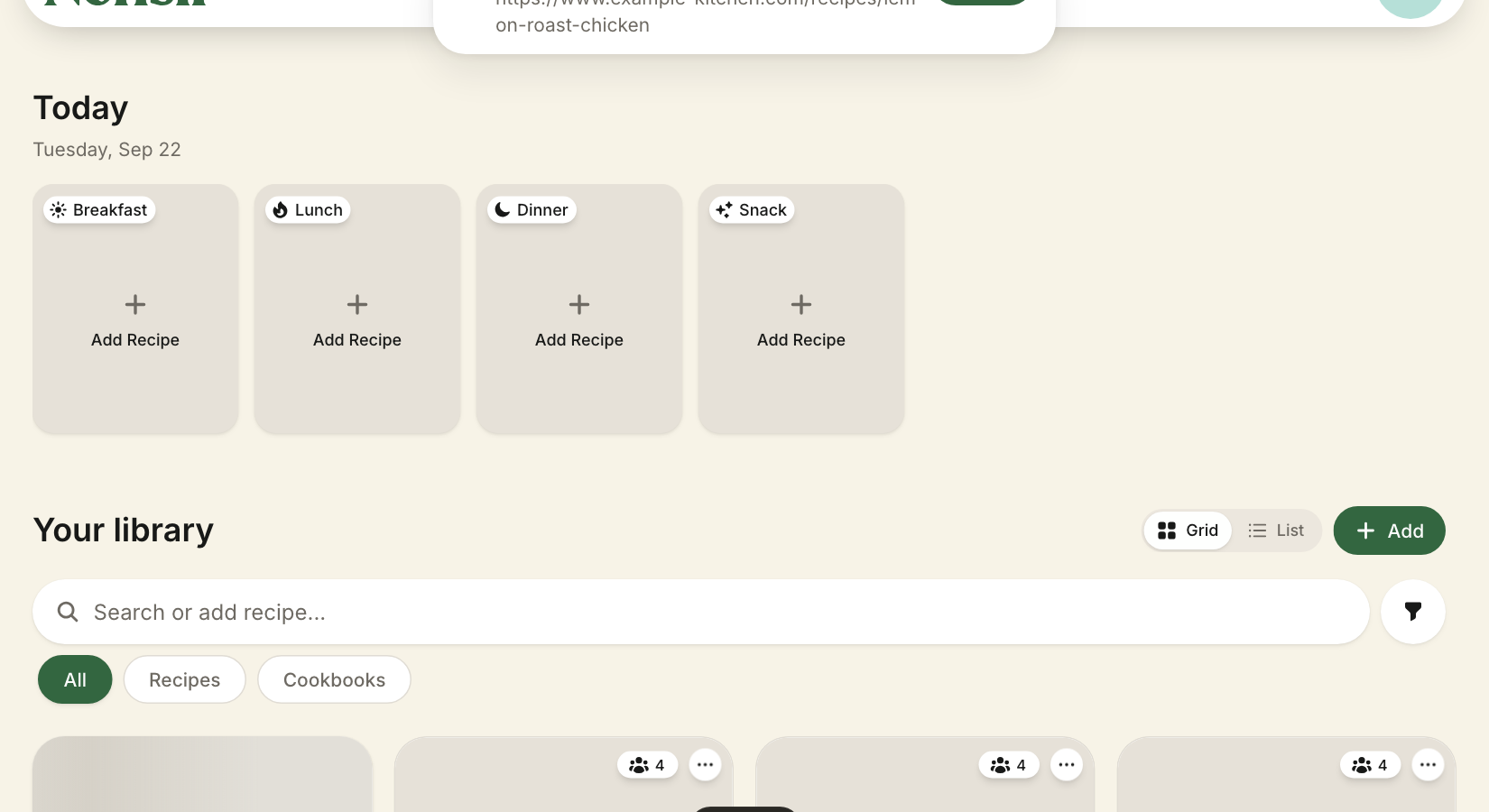
Add Recipe => URL asks for the address of a recipe page. A link already on your clipboard is filled in for you, so the usual round trip is: copy the address, open the dialog, press Import. Pasting a link straight into the library's search box imports it too, without a dialog.
Dashboard => Search bar Paste any URL in the dashboards searchbar and Norish will check of that URL is a recipe and attempt to import it.
From pasted text or a photo
Add Recipe => Paste takes a recipe as text or as JSON-LD, and Add Recipe => Image takes up to ten photos of one recipe, a cookbook page or a screenshot. Reading a recipe out of free text or a picture is the AI provider's work, so the Image option only appears when one is configured.