The recipe page
On a phone, a recipe opens with its photo running edge to edge, dissolving into the page. The header sits on the page itself — categories, title, description — and ends in the Glance Bar: total time, servings and calories in one row, so the whole answer to "can I cook this tonight?" arrives before any scrolling.
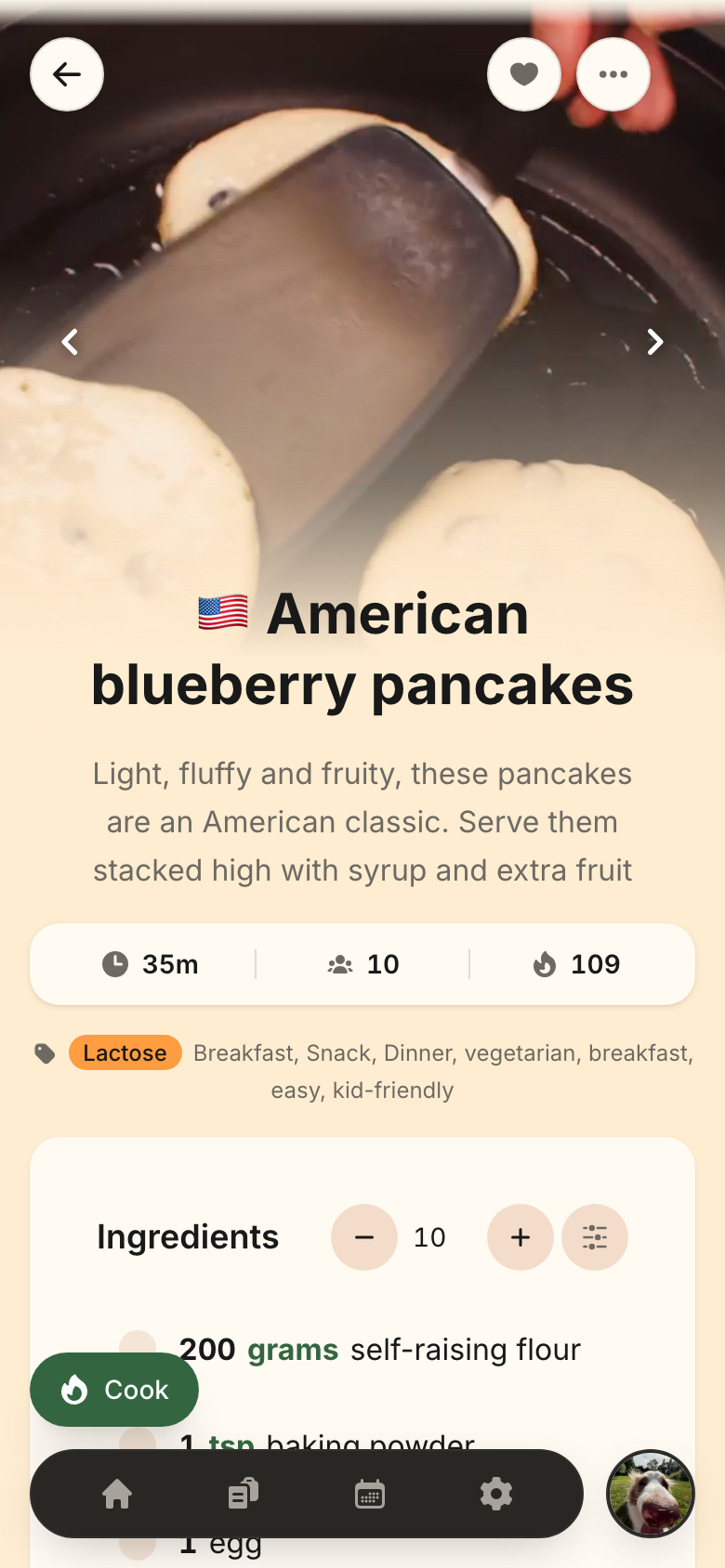
The Glance Bar restates what the sections below show. It holds nothing of its own: change the servings and the bar follows, hide Nutrition Information (a Hidden Item) and its calories entry leaves with the card, and a recipe that stores none of the three simply has no bar.
One card per section, in cooking order
Below the header, every section is its own card, ordered by what a cook actually does: Ingredients, Steps, your Notes, then the reference material — Cooking time, Nutrition, Provenance, Source and the rating. A section with nothing stored renders no card at all, so a bare recipe is a shorter page rather than a page of empty boxes.
Two of the cards draw a chart:
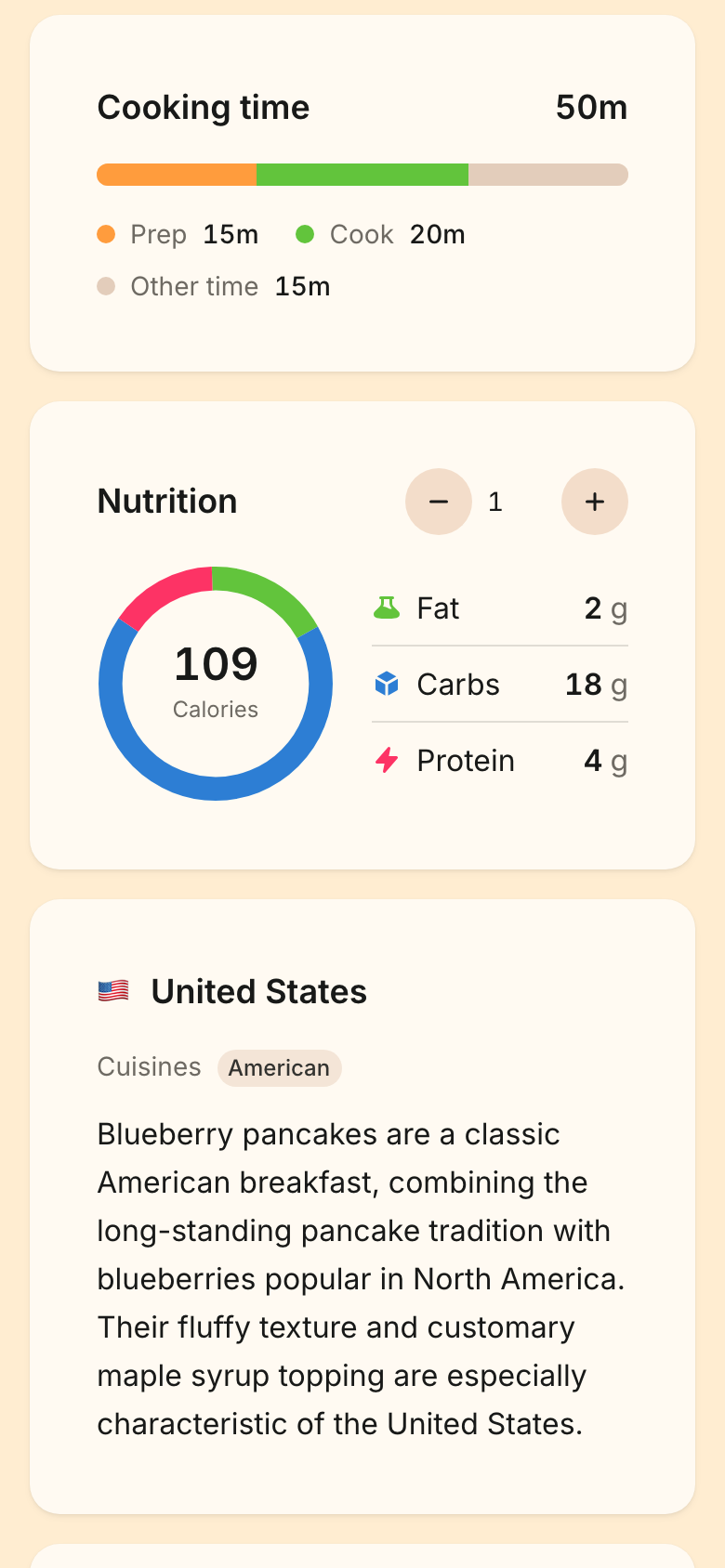
- Cooking time draws the preparation and cooking minutes to scale inside the recipe's stated total. When those two do not add up to the total — a dough that proves for two hours, say — the remainder is shown as Other Time instead of being quietly absorbed. Norish does not know what kind of time it is, only that the recipe claims it, so it is named for what it is not. When a recipe's split adds up to more than its total, the specific split wins and the headline becomes their sum.
- Nutrition draws the three macros as a ring, sized by what each contributes in calories, with the recipe's stored calorie figure in the centre. The centre is always the number the recipe actually stores — Norish never presents a computed calorie figure as the recipe's own.
The Cook button
Starting to cook is a floating button in the bottom-left corner. It never scrolls away, it rises and falls with the navigation so it covers neither the nav nor a running timer, and it always reads Cook — a Cooking Session is never saved, so there is never one to continue.
Cooking mode
Cooking mode keeps one step per screen, with the previous and next steps peeking faded at the edges so you keep your bearings. Swipe vertically to change step, horizontally to reach the ingredients — or use the bottom bar, which carries everything a cook reaches for mid-recipe: progress, a visible back button, timers, the ingredients, keep-screen-on and the next step. A step too long for its screen takes the whole page and scrolls; each step's ingredients and amounts are presented with it as a row of chips, so you never leave a step to find out how much cheese.
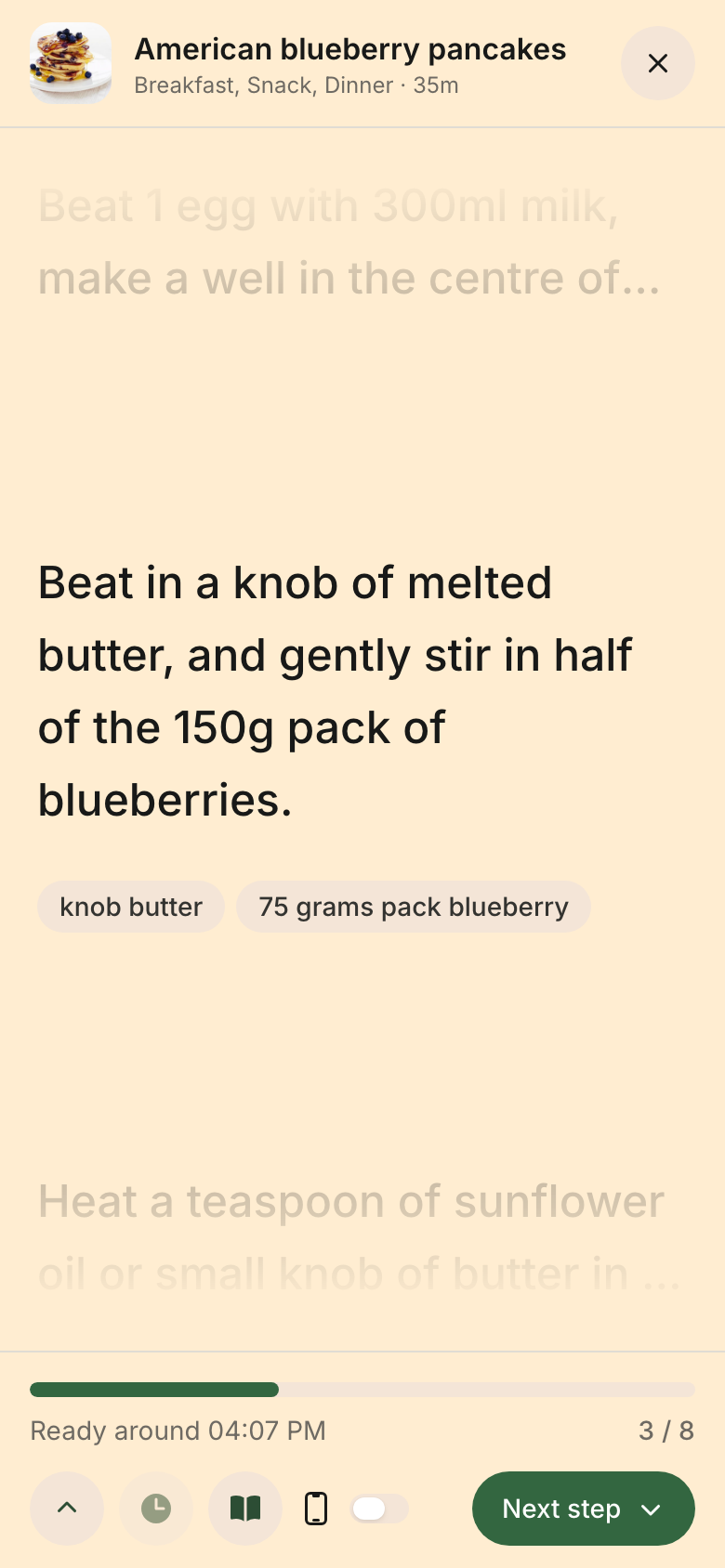
The bottom bar also shows Ready At — the time the food is projected to be done, counted from the moment you opened cooking mode plus the recipe's total time. It is a projection, never a promise: nothing checks whether you started, paused or wandered off, which is why it appears only inside cooking mode and nowhere else. Closing cooking mode ends the session; reopening starts a fresh one at the first step.
Pages tinted by the dish
Every recipe page takes its hue from its own photo. When an image is stored, Norish extracts one Dish Colour from it — server-side, so the tint is there before the photo has loaded and even when you are offline — and the page background and cards warm to that hue. Only the hue is the recipe's: how light or dark the page is always comes from your light or dark theme, so a dark photo can never produce an unreadable page. A recipe with no photo simply keeps the plain theme colours.
If you would rather read every recipe on the plain theme background, that is
yours to choose: Settings => User => Recipe page color, per device, with
From the dish photo as the default and Plain theme colors as the
alternative. The colour is still stored either way, so switching back is
instant.
The share page
A shared recipe link gets the same phone layout — header, Glance Bar and the cards through Source — so a recipe you send someone looks like Norish. What needs an account stays out: no favourites, rating, provenance or cooking mode, and since Hidden Items belong to a signed-in reader's own devices, a share link always shows everything the recipe stores.