Pantry
The Pantry defineswhat is already in the the house. Groceries listed in the pantry won't be added to the grocery list unless explicitly marked.
Filling your pantry
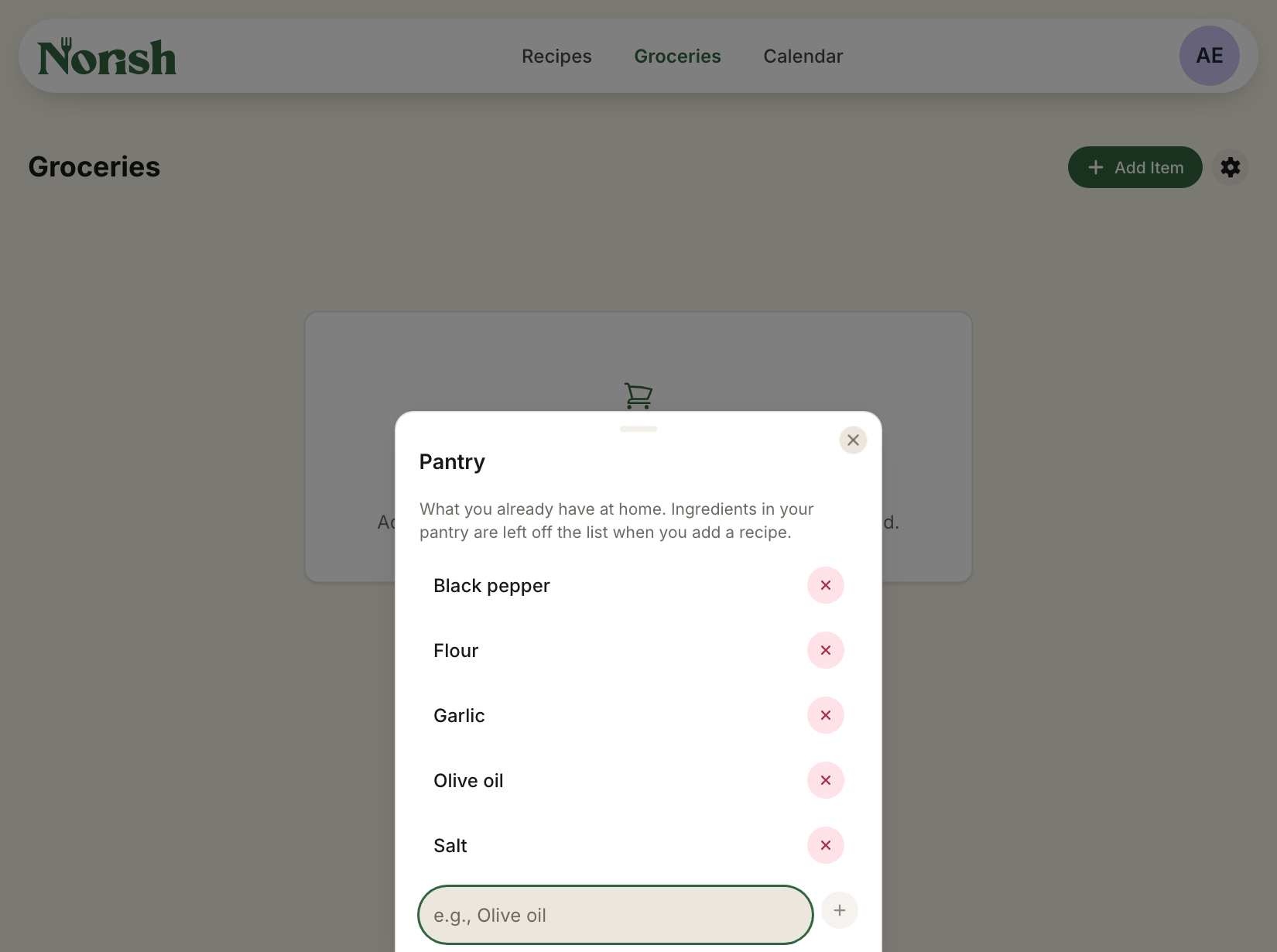
On the Groceries page, open the menu next to Add Item and choose Pantry. Type a name and press Enter or the plus to add it, and press the X to take one out. The pantry is case insensitive.
Adding a recipe
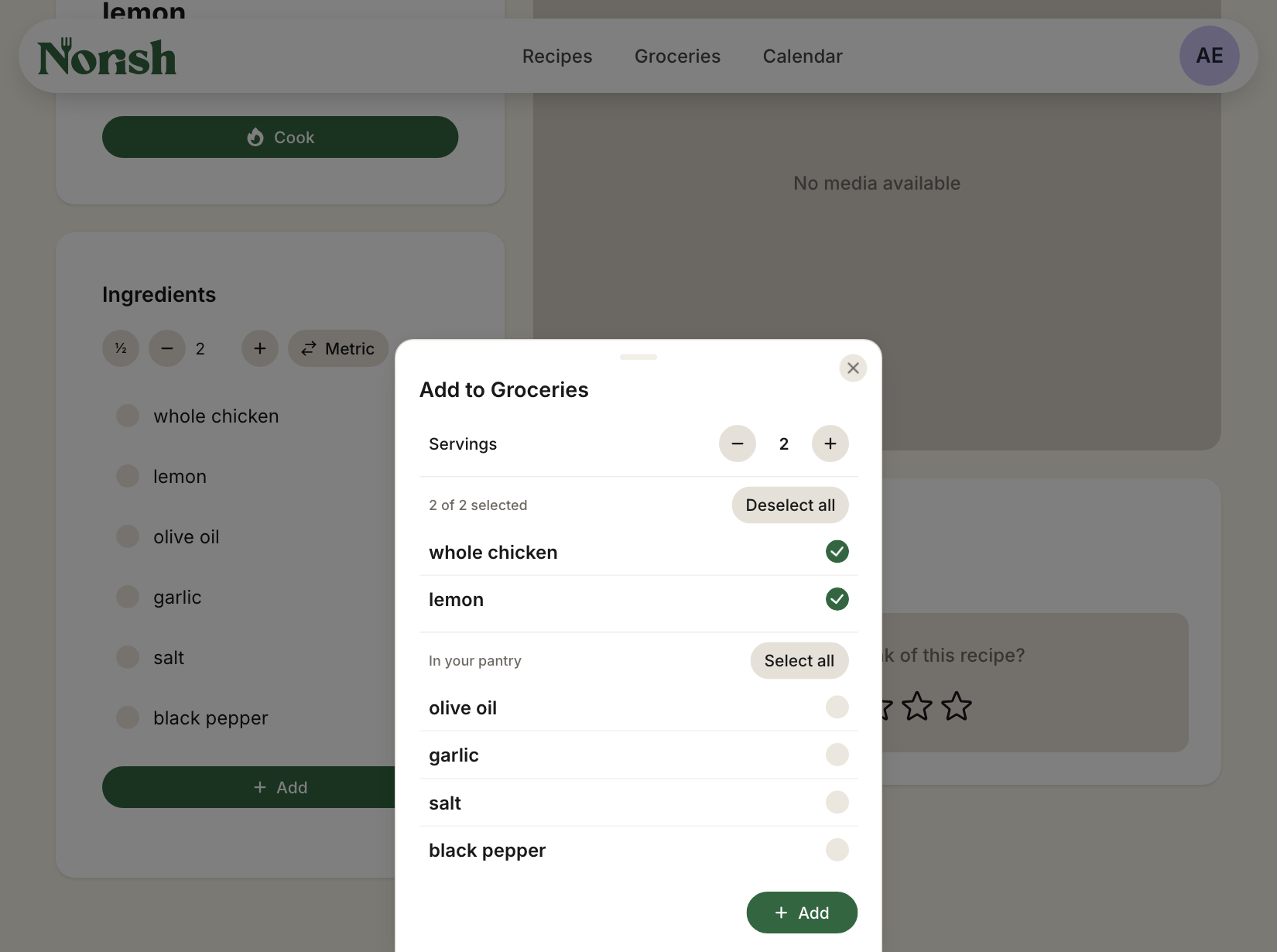
When you add a recipe to your groceries, the ingredients you have at home are shown apart under In your pantry.
What Norish does not do
- An ingredient is in the pantry only when its name is a pantry name: "olive oil" in the pantry does not catch "extra virgin olive oil" in a recipe, and "salt" is never mistaken for "salted butter".
- Pantry names carry no amounts and no expiry dates.
There is a feature planned to make ingredients more than just a string. This will therefore improve the pantry feature as well. One of these improvements is: An ingredient is a base ingredient e.g. Chicken breast. Each base ingredient Can have several alternatives e.g. Diced chicken breasts. This will allow the pantry to detect alternatives if wanted.