Use Norish offline
The Norish web app keeps an Offline Cache on your device so core functionality keeps working when your server is unreachable. It refreshes the set in the background while the app is Live.
The offline cache includes:
- your 50 most recent recipes in full, including each recipe's main photo
- groceries, recurring groceries, and stores
- the calendar's initial window
Recipes that are not cached, or pages that do not support offline use, an explicit unavailable screen is shown.
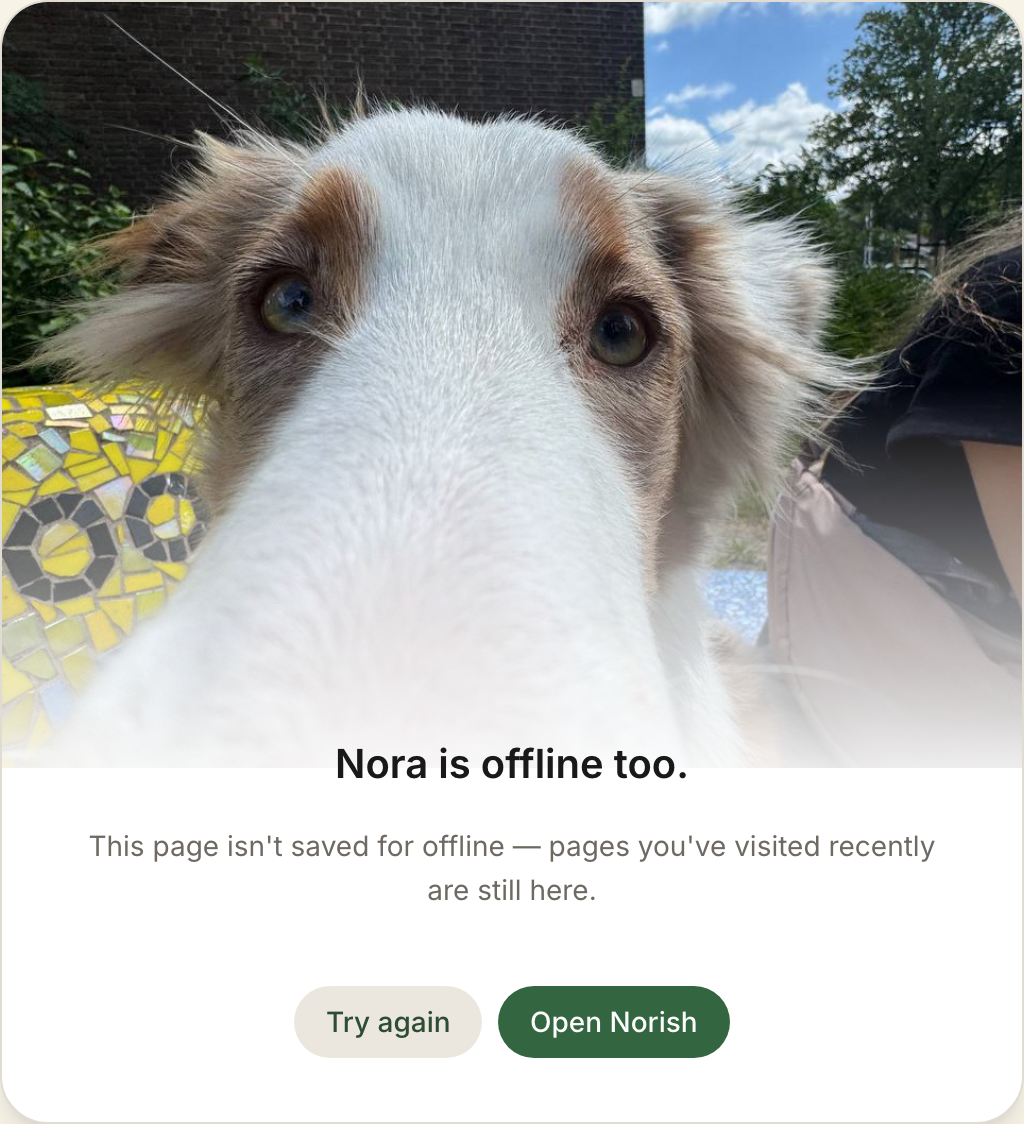
Slow networks are bounded the same way as lost ones: if your server has not answered a page load within five seconds, norish will use the cache until the page is loaded.
Check connection and offline status
Open the user menu and select the Live or Offline indicator at the bottom. The Connection & offline view shows whether Norish can reach your server, what the Offline Cache contains, and whether any changes are waiting.
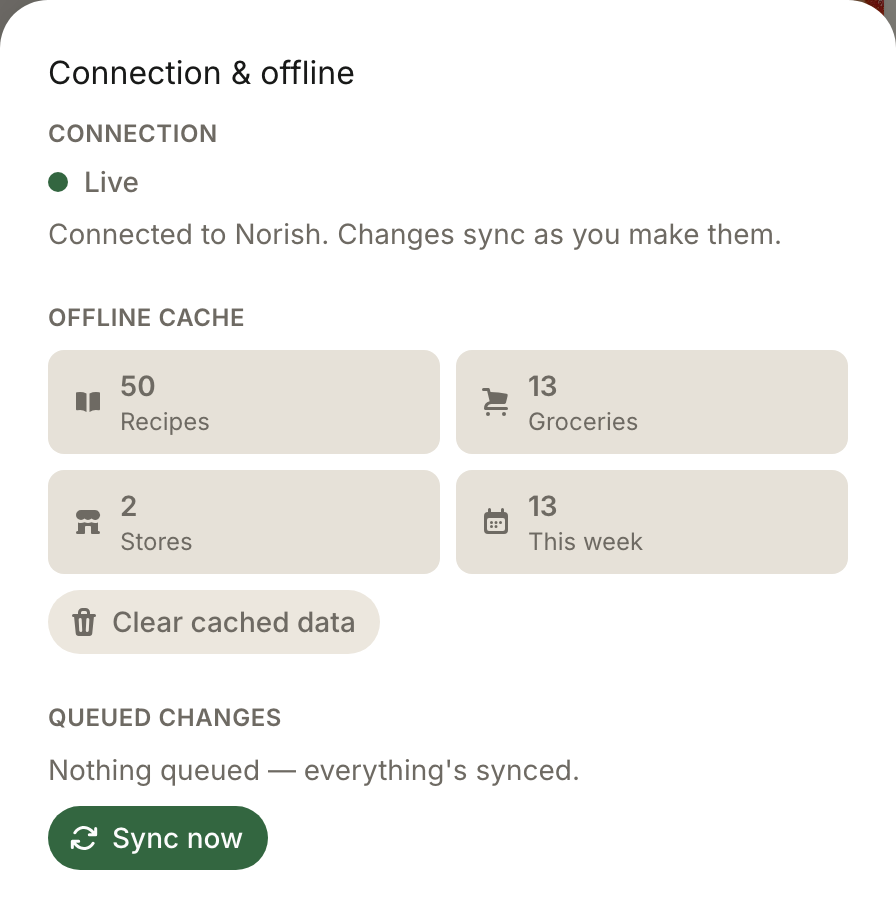
Clear cached data removes the local Offline Cache but keeps Queued changes. If you clear it while Offline, cached views remain unavailable until Norish is Live and refreshes the cache.
Make changes while Offline
Supported changes are saved durably in the Outbox before Norish reports them as Queued. Recovery replays them in order when the server becomes reachable; you do not need to keep the page open or retry each action yourself.
The status view distinguishes three Outbox states:
- Syncing — waiting to replay or currently replaying;
- Needs attention — retries were exhausted and the change is Parked; and
- Conflict — server state changed first, so review and reapply the change if it is still wanted.
Use Sync now after the connection returns; under normal circumstances the system will do the try for you. Retry all retries Parked or conflicted work. Discard all permanently removes every queued change.
Accounts and shared devices
The Offline Cache and Outbox are scoped to the signed-in account on that browser. Switching accounts immediately hides the previous account's cached data. Its queued changes stay dormant and can replay only after that account signs in again.
Signing out with unsynced work asks for confirmation. Cancelling keeps the session and local data; confirming discards the queued changes and clears that account's Offline Cache from the device.