Creating and editing recipes
Add Recipe opens the same form everywhere: type a recipe in yourself, or let an import fill the form and fix what it got wrong. Everything on this page also applies to editing an existing recipe from its actions menu.
The basics behave the way you would hope:
- Ingredients are free text, one per line —
200 g spaghetti,2 cups flour. Norish parses the amount and unit as you type, so you never fill in three fields for one ingredient. - Steps are plain sentences, one per row. Rows reorder by dragging, and a new row appears whenever you need one.
- Photos attach to the recipe or to individual steps, and a step can carry several.
Beyond the basics, the editor has three affordances worth knowing, all of them things you just type.
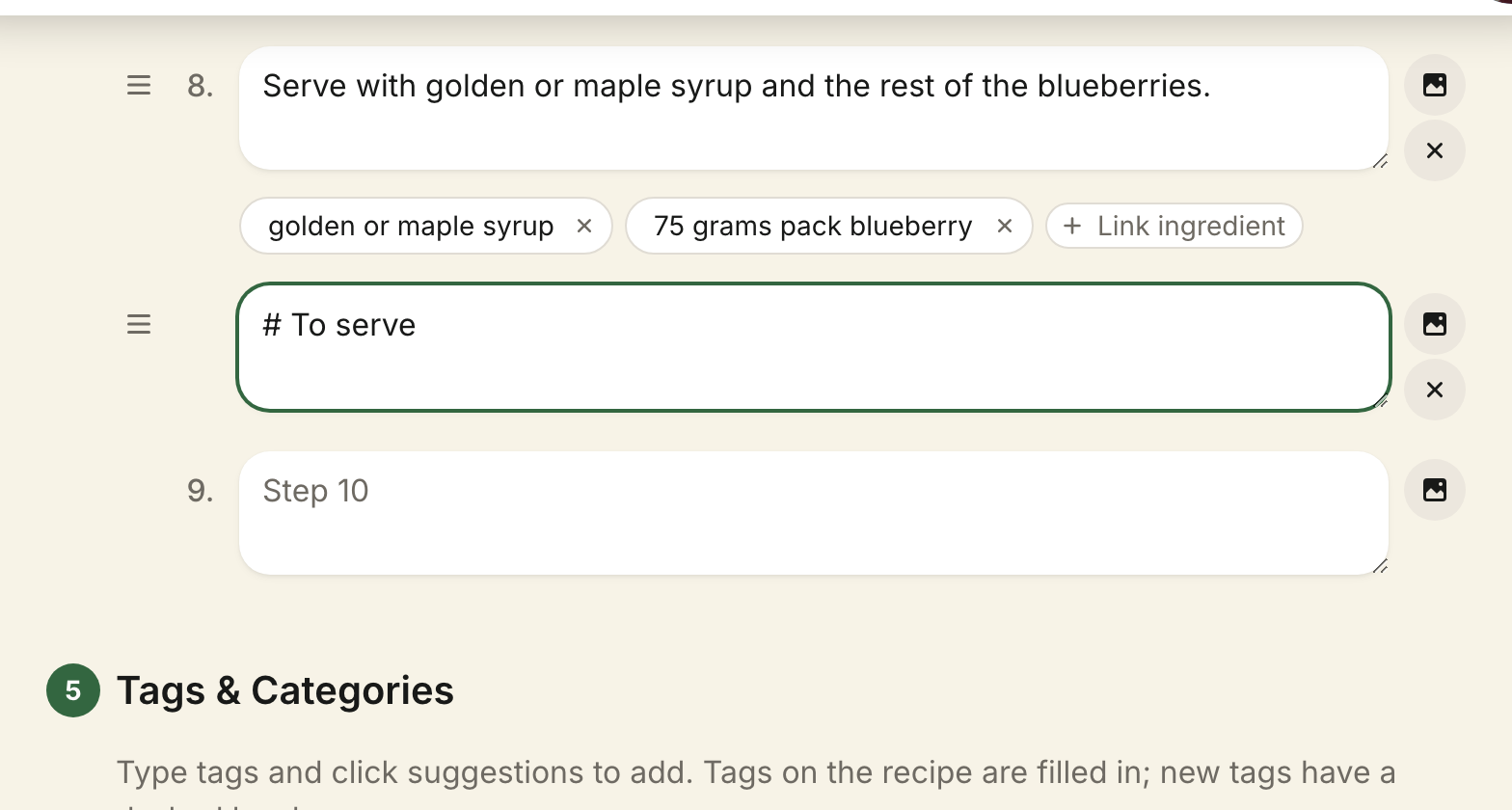
Sections, with #
Start an ingredient line or a step with # to make it a section heading:
# For the sauce, # Preparazione. Headings are not counted as steps — the
numbering skips them — and readers see them as headings on the recipe page and
in cooking mode.
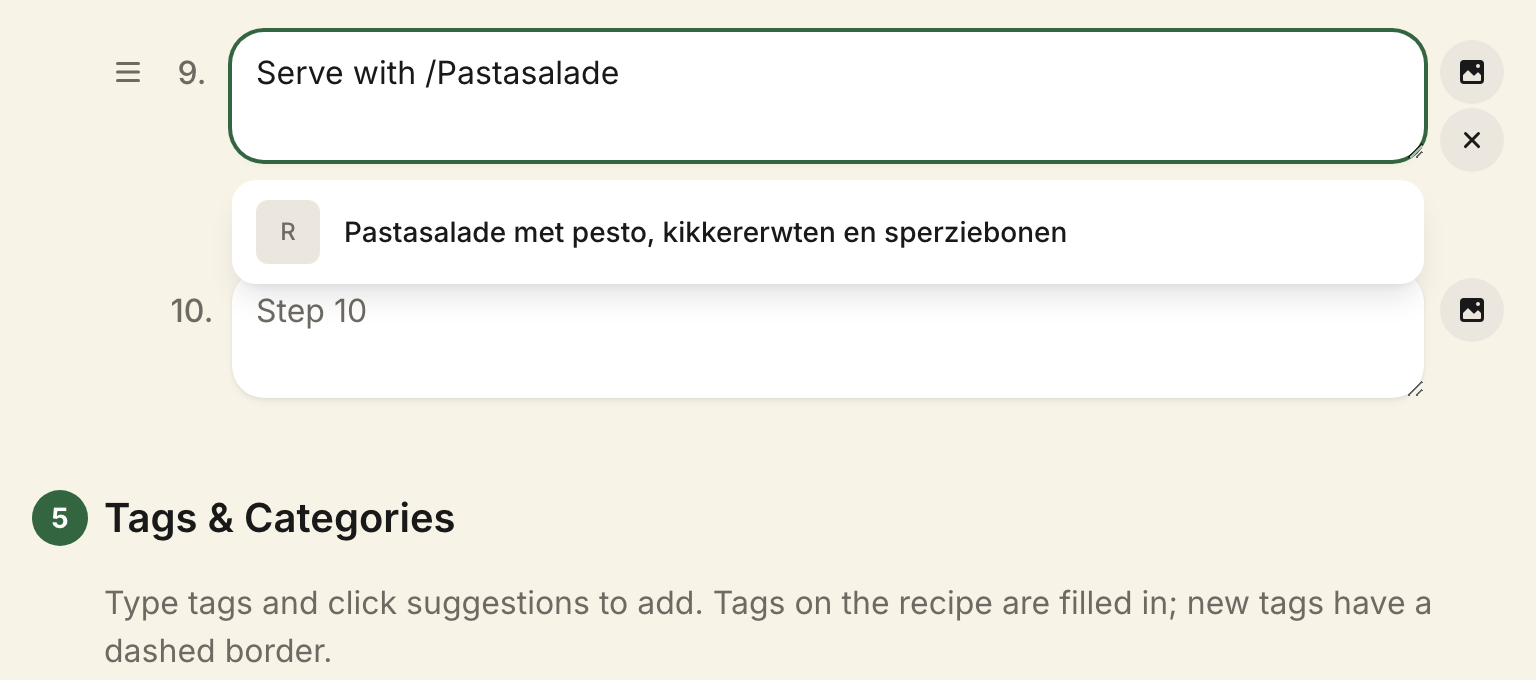
Linking another recipe, with /
Type / followed by a name to link another recipe from inside a step — useful
when one recipe builds on another, like a dough or a stock. Picking a
suggestion inserts the link; readers can tap it to jump to that recipe.
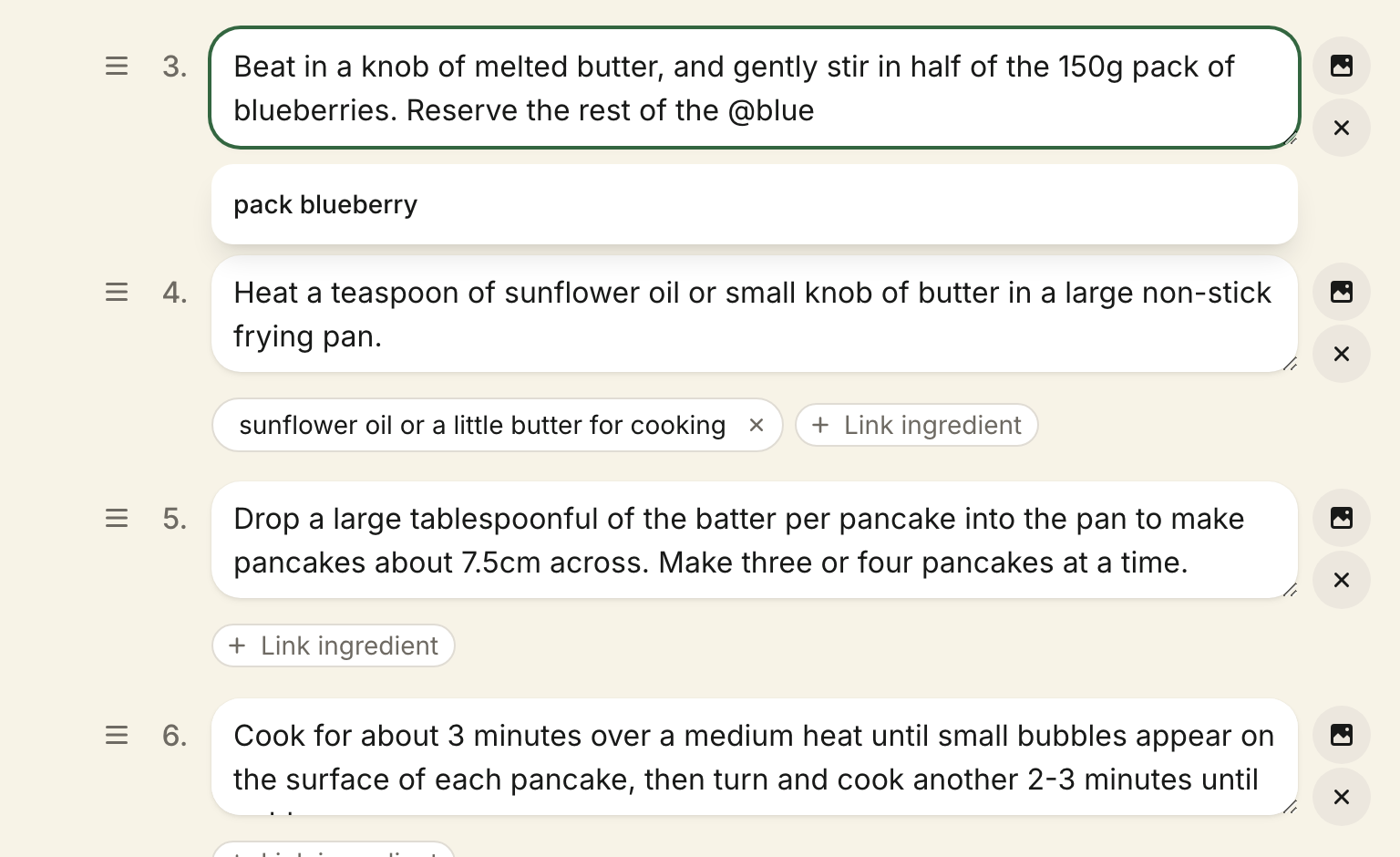
Attaching ingredients while you type, with @
Type @ while writing a step and pick an ingredient: the word lands in your
sentence as plain text, and the ingredient attaches to the step as a chip
beneath it. The chip is the link — your sentence stays exactly what you typed,
with no special syntax stored in it. If the line has an amount, the chip asks
for it on the spot: type the number the step means and press Enter, or press
Escape to keep the whole line.
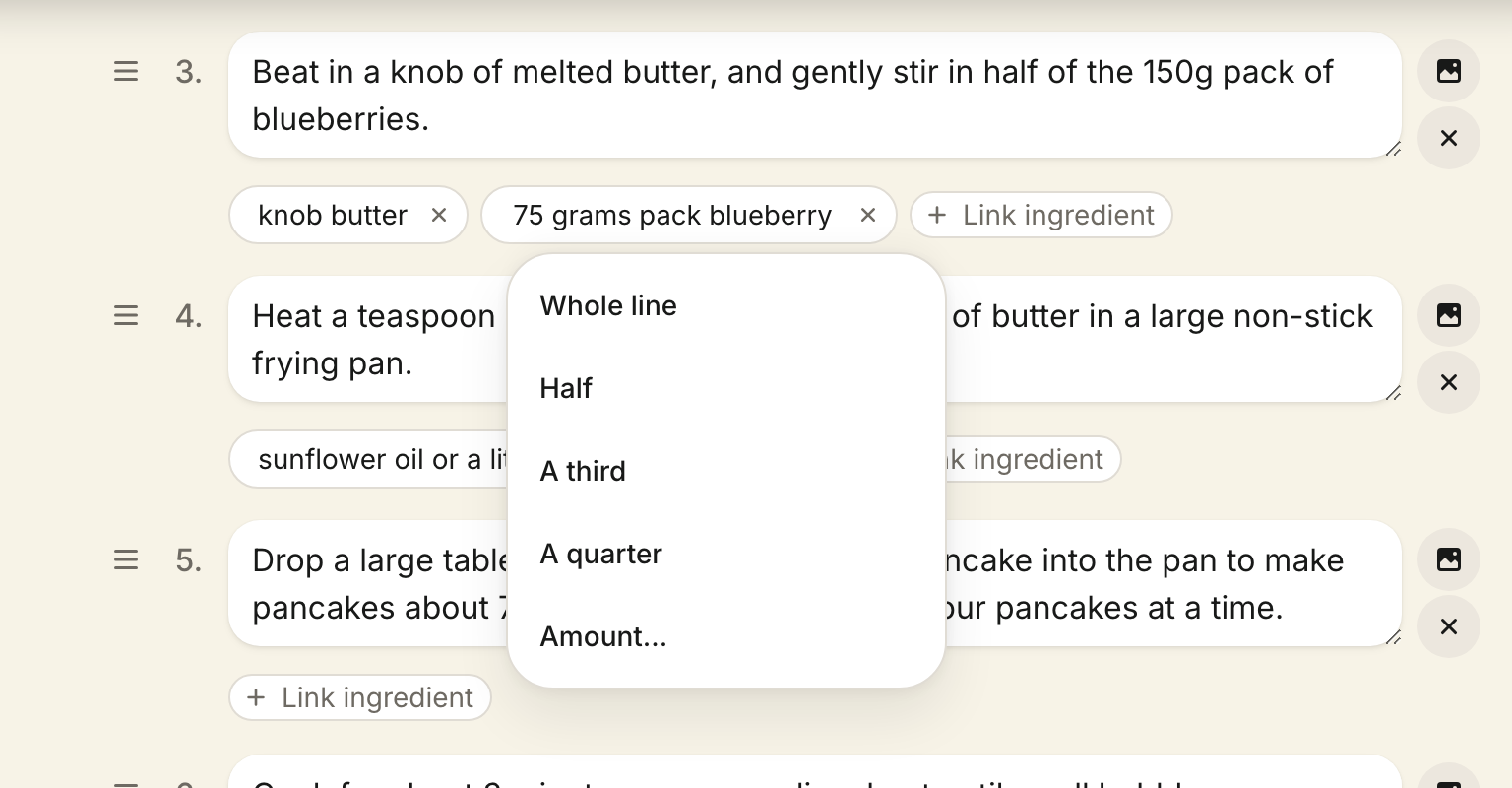
Chips can also be added without naming anything in the text: the Link ingredient picker beneath each step attaches any of the recipe's ingredient lines, which is how a step like "add the spices" carries its three links. Attaching from the picker asks the same question right away: the amount entry opens over the fresh chip, prefilled with the whole line. Answer it, or ignore it — clicking on or pressing Escape keeps the whole line, so attaching several lines in a row costs nothing extra.
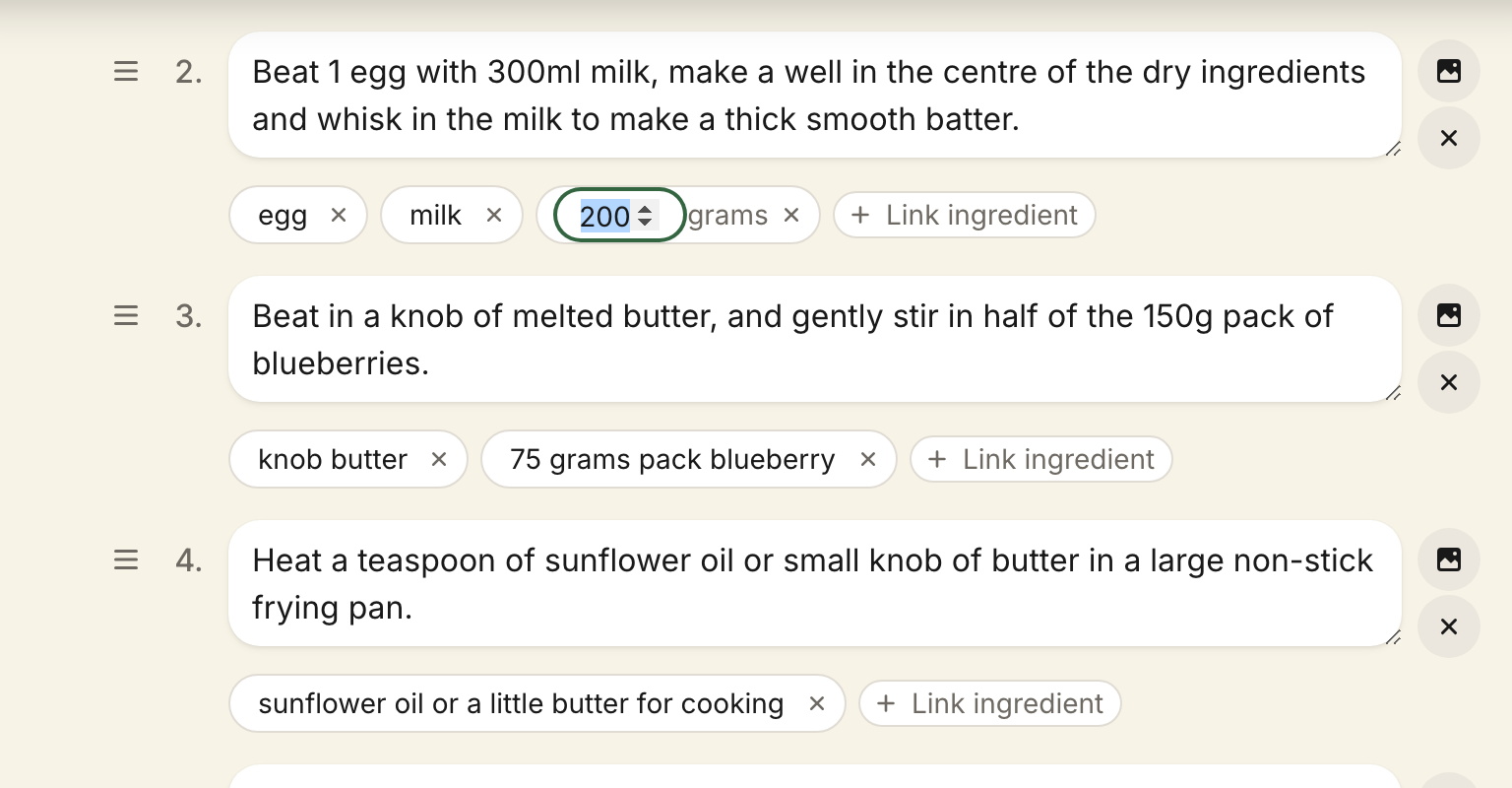
Each chip can be set to how much of its line the step uses — half, a third, a quarter, or an exact amount when the line has one: Amount… on a chip of a five-egg line takes 3, and the step reads 3 eggs, leaving the other two for the step that uses them. Amounts are stored as the line's share, so they keep scaling with servings; a line with no amount is set as a share directly. A tap removes a chip. What readers see on the recipe page comes from these chips; the whole story is on Step ingredients.