Hidden Items
The recipe page displays a lot of information, not every user wants to see the same settings. Not every device needs the same information density, for this reason a lot of elements can be hidden. By default everything is enabled disabling is on a per device basis.
What can be hidden
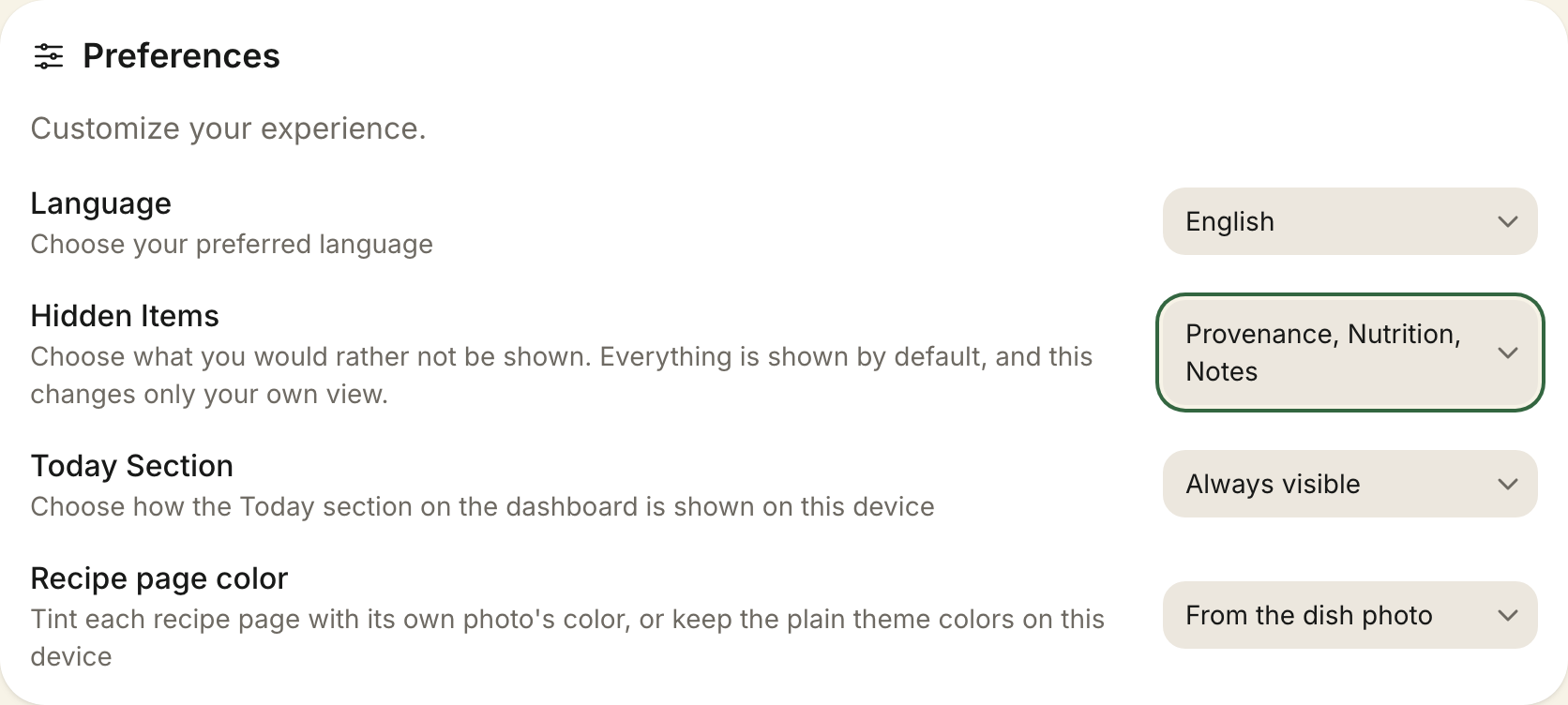
Settings => User => Hidden Items is a single control listing everything you can choose not to see:
- Provenance, the Recipe Provenance section: country, region, cuisines and the explanatory note. Country flags remain visible besides the title
- Nutrition, the Nutrition Information section, including the calories entry in the recipe page's Glance Bar
- Notes, the notes section on the recipe page
- Ratings, the rating section on the recipe page, the rating on library cards and the rating filter
- Favorites, the heart wherever it appears and the favorites filter
- Ingredient conversion, the measurement conversion control on the recipe page
- Recipe timers, the automatic timer detection in recipe steps.
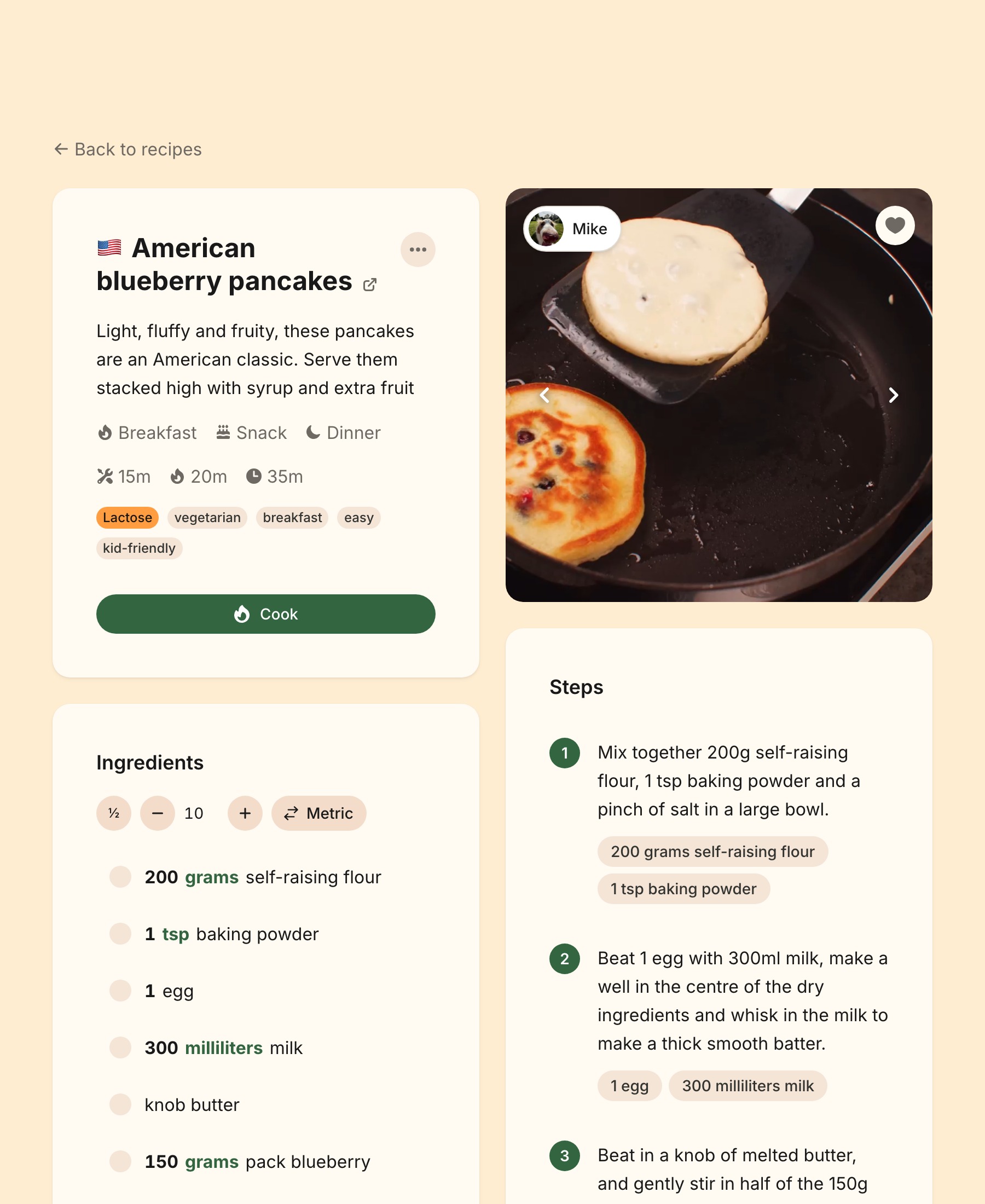
Hiding an item suppresses it everywhere it would appear for you, not just in one place. Hiding ratings, for example, takes the recipe page's stars, the library card's rating and the rating filter together. Items that exist only on the recipe page simply make the page slimmer:
Hiding changes only your view
A Hidden Item settles nothing about the recipe. What is stored, what may be edited and what Recipe Enrichment produces are all unchanged, and every other member of your household still sees everything. Someone reading a recipe through a share link, or signed out, sees the whole page.